Level 1 · Foundation
Digital Arts 1
The foundation design course. Students learn the elements and principles of design and the industry standard Adobe tools to make clean, intentional graphics.
- a-g creditUC / CSU “F” Visual and Performing Arts
- Taught byChris Silva · Rileigh Mankin
- Who it is forOpen to all students, no experience required. The entry point to the design and graphic arts pathway.
- SoftwareAdobe Illustrator for vector art, logos, and type. Adobe Photoshop for image editing, compositing, and mockups.
- LabMac computers, with the school iPad as a scanner for sketches and hand done work.
What students will be able to do
- Use the elements and principles of art and design on purpose: line, shape, color, form, balance, contrast, and type.
- Work the core Adobe tools: the Illustrator workspace, drawing and pen tools, type, layers, and exporting, plus Photoshop layers and placement.
- Take an idea from sketch to finished digital artwork, by vector tracing or by compositing.
- Apply color theory and typography to communicate a clear message.
- Produce finished, export ready graphics at a stated size and format.
Core units
Design foundationsThe elements and principles of art, color theory, and typography.
Illustrator skillsWorkspace, drawing and pen tools, shapes, type, layers, and sketch to vector.
Photoshop skillsLayers, placing and sizing images, simple compositing, and export.
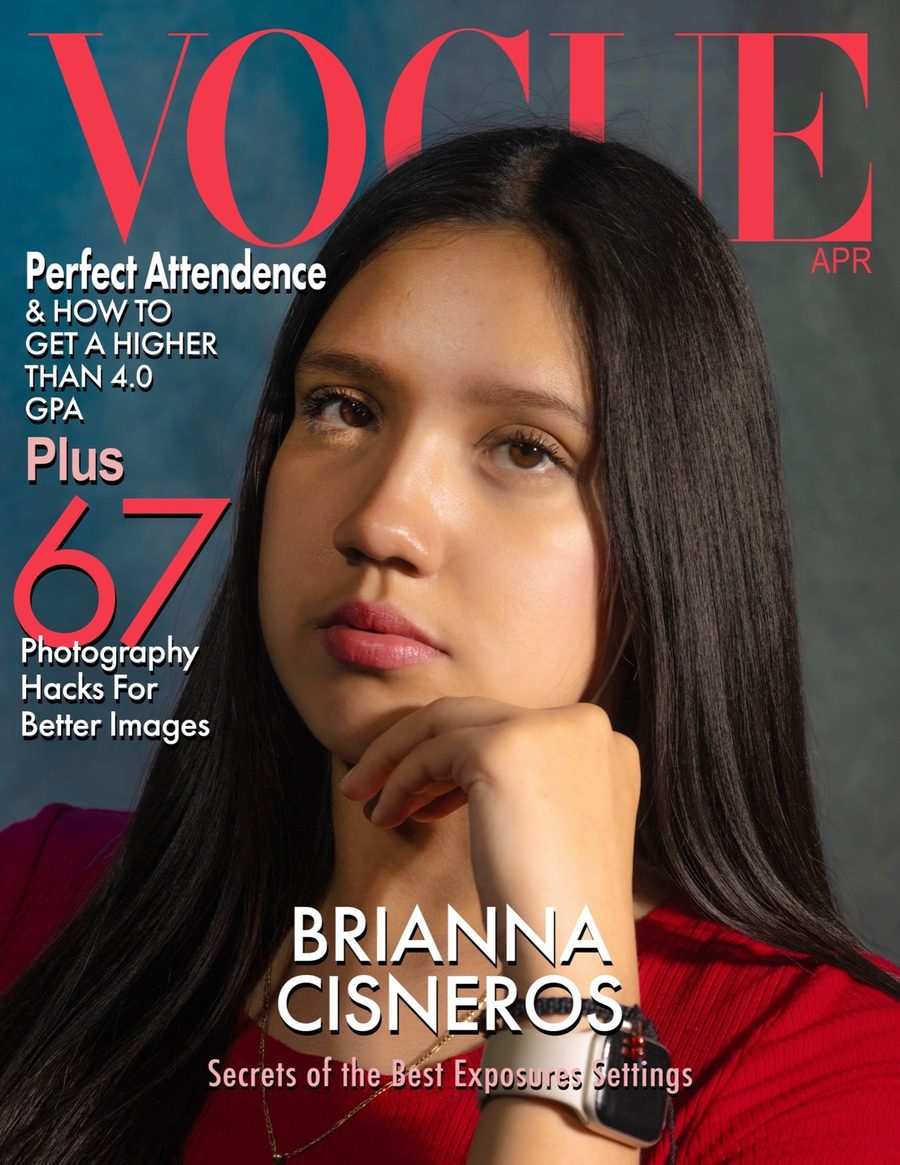
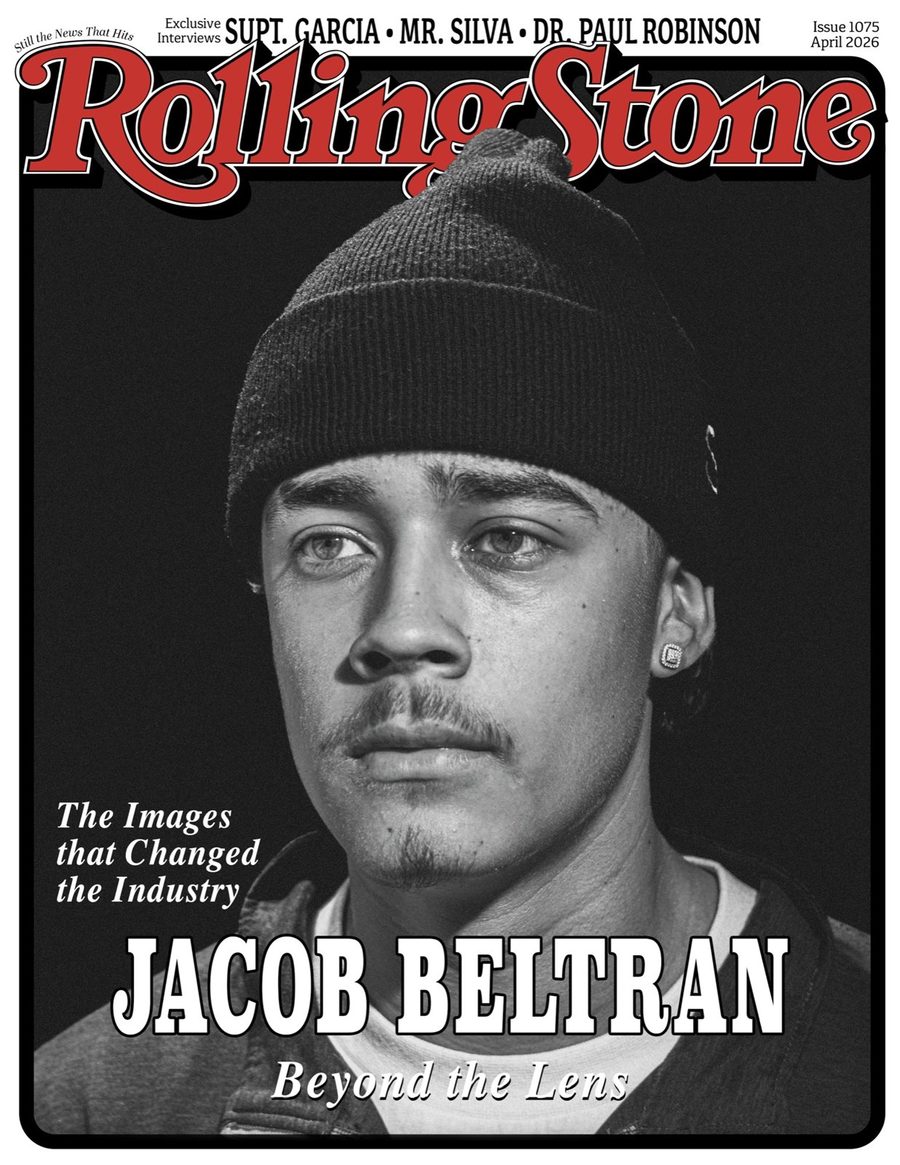
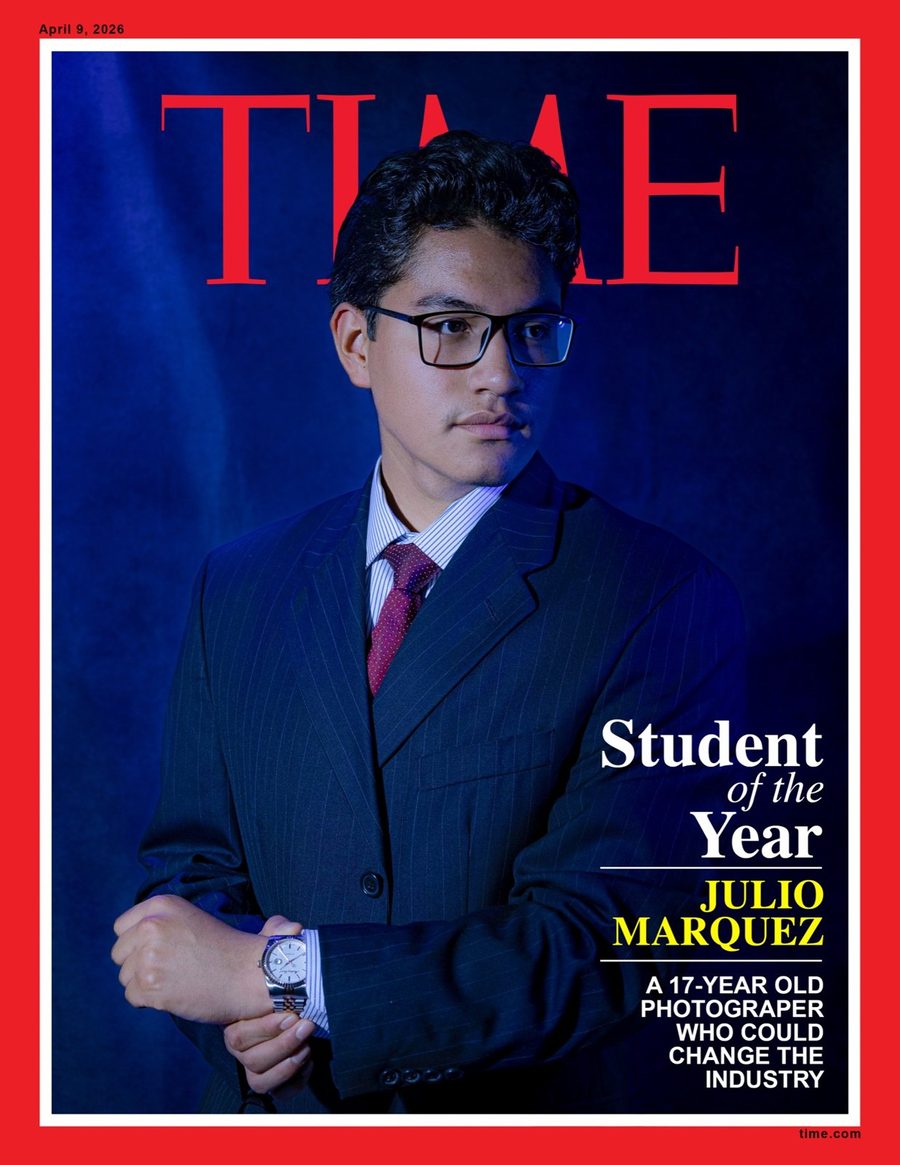
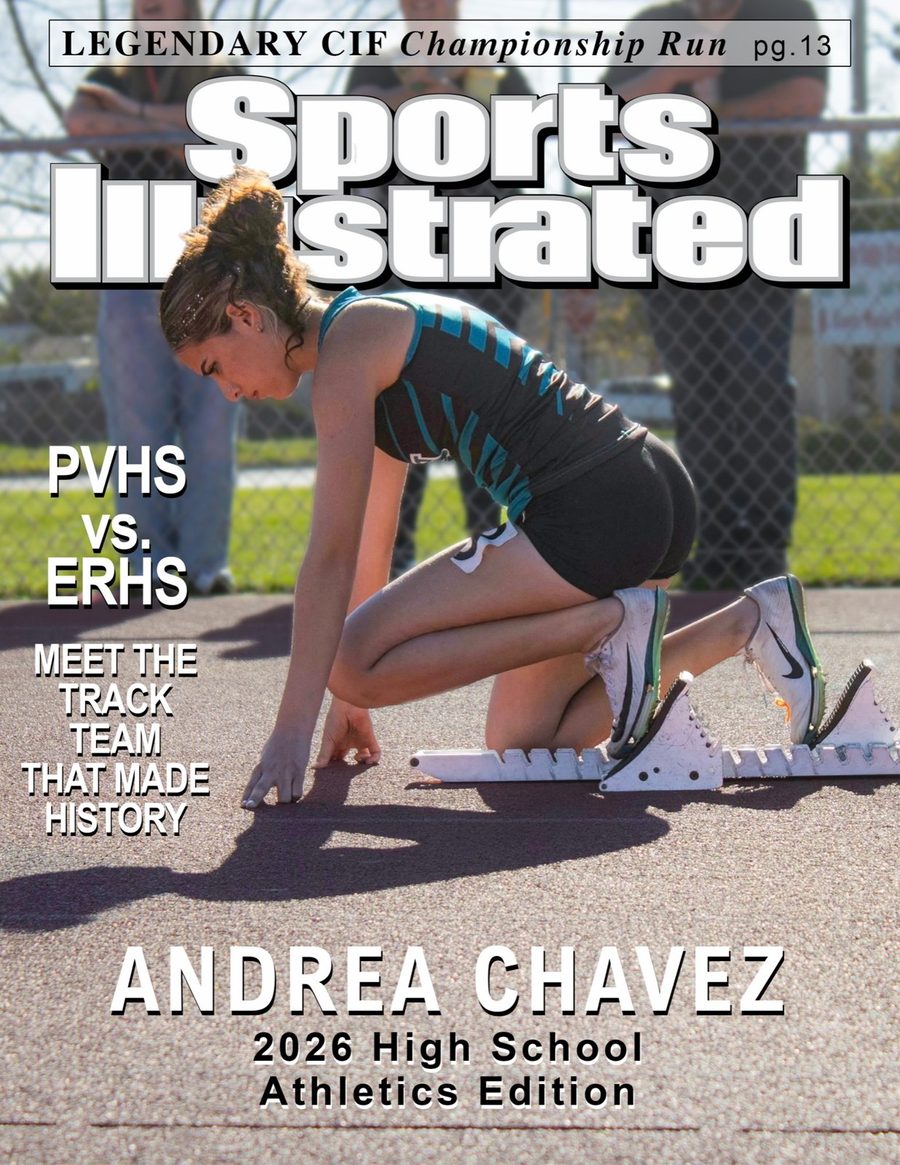
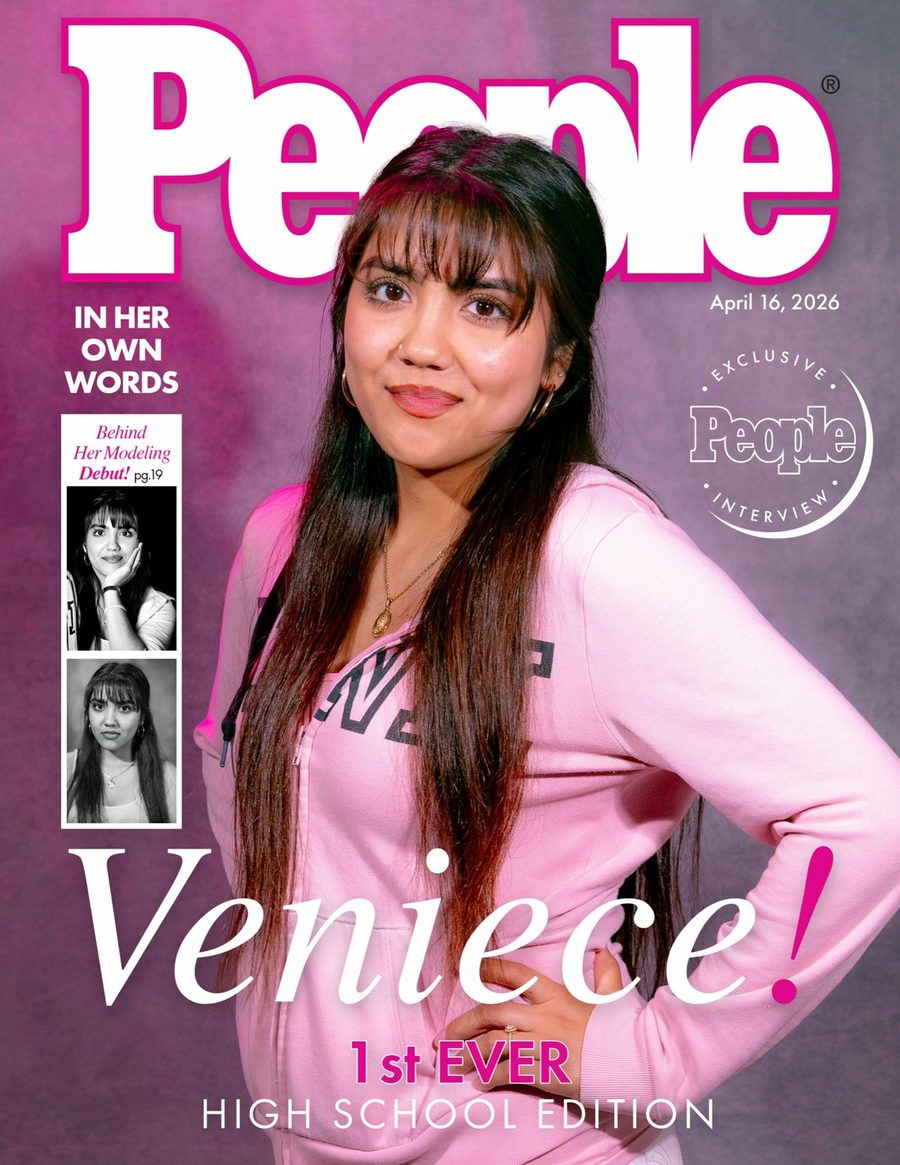
Applied projectsPosters, covers, pictograms and icons, character design, and brand graphics.
CommunicationMaking work that reads clearly and serves a purpose or a client.
Example projects
How the year builds
Start with design fundamentals and tool familiarity, then short applied projects that each target one or two principles. The year builds toward projects that combine skills into a finished, presentable piece.